Product description


How to Connect to an iOS/Android Device?
To connect an iOS or Android device, you can use the Screencast feature. Ensure both your mobile device and the projector are connected to the same Wi-Fi network during screen mirroring.
How to Watch Videos from Amazon Prime, YouTube, etc?
1. Update Your System: Ensure your device has the latest software update.
2. Download Apps: Install the respective apps from the official App Store.
3. Use a TV stick for wireless streaming (note: TV sticks are not included).
The remote control becomes unresponsive when using certain applications.
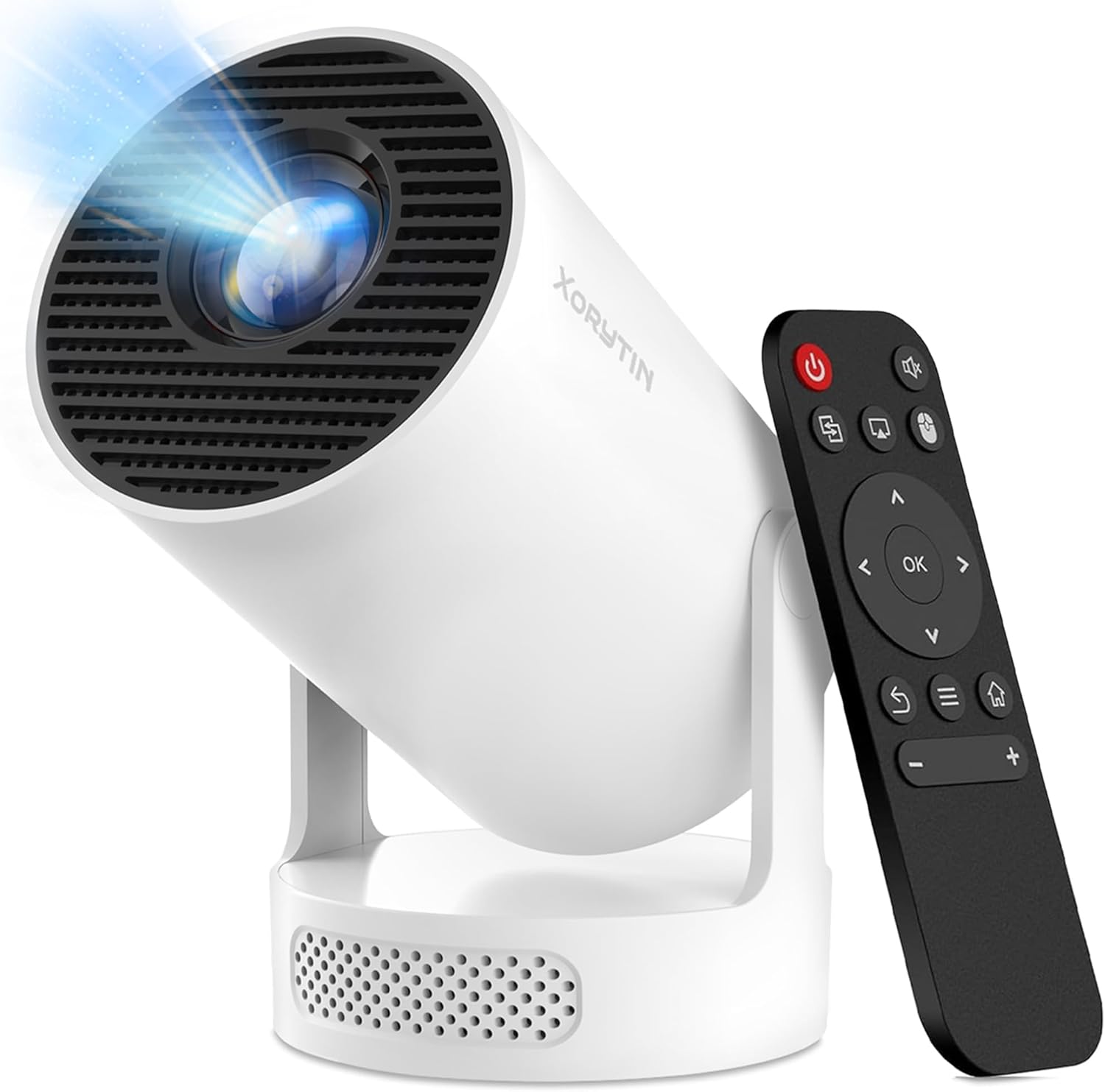
1. Locate and press the mouse button on your remote control.
2. Switch to mouse mode to navigate these applications properly.
What should I do if the apps don't work after connecting to Wi-Fi during the initial setup?
Please perform a quick system restart. The projector requires a one-time reboot to fully activate and initialize all applications upon its first use. Once restarted, everything will function perfectly.
What should I do if the screen mirroring function of my projector isn’t working?
Our projectorssupport screen miroring, but some apps dont This due to third -party softwares security-blocking tto prevent piray orscreen recording The issue isn't with the projector and won't affect its use.
Quick Start Video Guide
Connecting to Wi-Fi
1. Go to top-right **Wi-Fi Settings** on Home Screen and turn it **ON**.
2. Select your home network and enter the password to connect.
3. The Wi-Fi icon will turn **green** upon successful connection.
**Note:** If missing, refresh list. Keep projector close to the router and avoid thick walls to maintain a strong signal.
Connecting to Wi-Fi
Mobile Screen Mirroring
1. Connect projector and phone to the same non-guest Wi-Fi.
2. Select **Screen Cast** on Home Screen, then choose **iOS** or **Android**.
3. Open phone's Control Center, tap **Screen Mirroring** & select device.
**Note:** Some apps (Netflix, etc.) block casting due to DRM policies. This is a standard software restriction, not a projector defect.
Mobile Screen Mirroring
Connecting a Laptop
1. Turn on laptop and connect HDMI cable (use a hub if no HDMI port).
2. Turn on projector and plug the other end of HDMI cable into it.
3. Select **HDMI** on Home Screen; screen mirrors in 3-5 seconds.
**Note:** If connection fails, check if the HDMI cable or hub is faulty.
Connecting a Laptop
Accessing YouTube Correctly
1. Connect projector to Wi-Fi (ensure YouTube works in your region).
2. Go to **Settings > Date & Time**, enable **Automatic Acquisition**.
3. Open YouTube app and always update it to the latest version.
**Note:** You must log into your Google account to play videos smoothly.
Accessing YouTube Correctly
Remote Unresponsiveness Fix (Mouse Mode)
1. If remote arrows become unresponsive in an app, activate **Mouse Mode**.
2. Use remote's arrow keys to move the on-screen cursor and **OK** to select.
3. Press the **Mouse Button** again to exit and return to normal mode.
Remote Unresponsiveness Fix (Mouse Mode)
From the brand